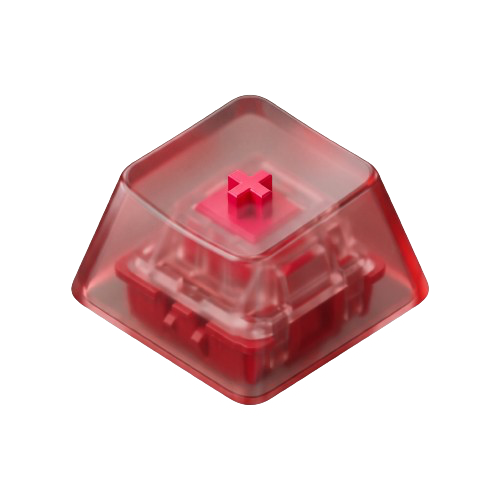
Crafted for Acoustic Purists.
Our Philosophy
Typing is the primary way we think, build, and communicate with our machines. We believe that physical feedback matters. ThockBar transforms the quiet or flat sound of laptop switches into rich, deeply resonant mechanical keyboard acoustics—with imperceptible latency and absolute privacy.
Why We Built ThockBar
Mechanical keyboard enthusiasts spend hours lubing switches, tuning stabilizer wires, and auditioning brass, POM, and FR4 switch plates just to achieve the perfect acoustic signature—that deep, satisfying "thock."
Yet when traveling with a MacBook or working in open spaces, lugging a heavy custom mechanical keyboard isn’t always practical. ThockBar bridges that gap. Operating quietly in your macOS menu bar, it models the complex acoustic behavior of custom switches directly through your Mac speakers or headphones.
The Dual-Event Audio Engine
Ordinary clicker apps play a generic wav file every time a key is pressed. Real switches, however, produce two completely distinct acoustic phenomena:
- Downstroke Actuation: The mechanical stem strikes the bottom housing, exciting the plate resonance and creating the signature low-frequency "thock."
- Upstroke Return: The spring rebounds, snapping the stem back against the top housing with a delicate high-frequency release.
ThockBar independently detects both events in real-time, delivering dual-event fidelity that feels physically connected to your fingers.
Sub-5ms Latency & Battery Efficiency
If audio lags behind your fingers by even 15 milliseconds, the brain immediately recognizes the disconnect. That’s why ThockBar is written 100% natively in Swift using low-level Apple CoreAudio and AVAudioEngine.
Keystroke triggers are routed through a localized event tap that dispatches audio in under 5 milliseconds. The app stays completely dormant when you aren't typing—consuming 0.0% CPU at idle and preserving your MacBook’s all-day battery life.
100% Offline & Private by Design
Because keyboard input handles our passwords, private correspondence, and intellectual property, ThockBar is architected with a strict zero-trust privacy guarantee:
- Zero Keystroke Logging: Key events trigger audio buffers and are instantly discarded.
- Zero Network Calls: ThockBar contains no telemetry, analytics SDKs, or cloud connections.
- No User Tracking: Your data never leaves your computer. Ever.
About GoodiApps
ThockBar is crafted with passion by GoodiApps (goodiapps.com).
Our mission is to build beautiful, focused, and respectful software for Apple platforms. We build apps that feel like first-party macOS software: responsive, aesthetically cohesive, lightweight, and engineered with uncompromising craftsmanship.
Experience ThockBar Today
Download natively on the Mac App Store and discover a new dimension of typing.